
Image
Find the right compression option
Image compression · For iOS & Android
Smart batch compression & comparison
These tools run in the Auvrelin mobile app, on your device.
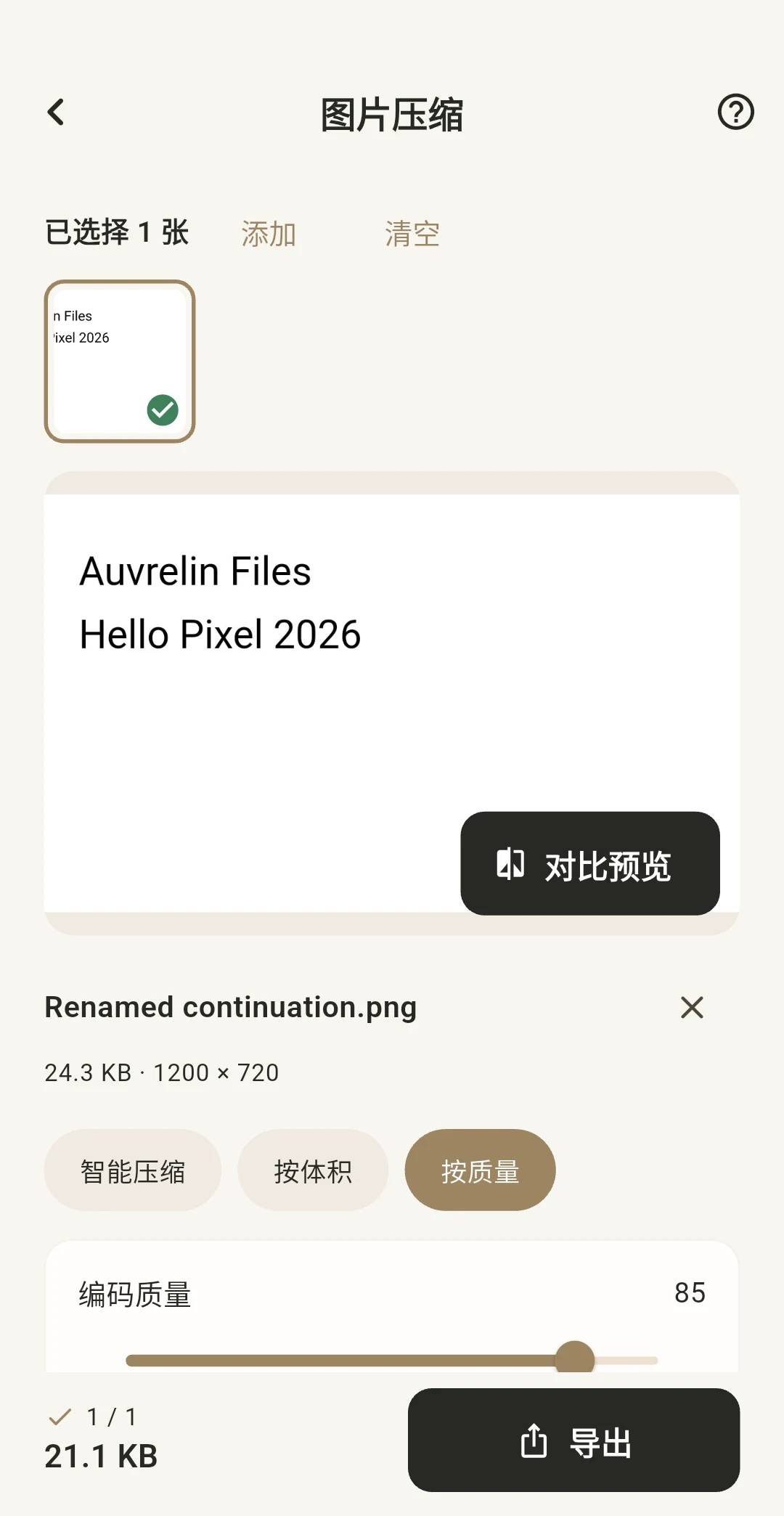
Actual App screen · Chinese / English
Image compression
Smart batch compression & comparison
Your originals stay yours.
Results are saved separately. Your original images and documents are not overwritten.
01 — 02 — 03
How it works
- 01
Choose photos
- 02
Smart
- 03
Export
Good to know
Image compression
Smart compression creates real files at several settings and recommends one using file size, sampled similarity and error.
Up to 20 images per batch, 40 MB / 32 megapixels each. Animated images are not supported. JPEG fills transparent areas with white.
Images are processed on your device. Saved results are available in Photos and the app's Files page. Originals are never overwritten.
Questions, answered
Do I need an account?
The current tools work without an account. Your files and preferences stay on your device.
Are my original files changed?
Results are saved separately. Your original images and documents are not overwritten.
Download
Auvrelin has not launched on the App Store or Google Play yet. Download links will appear here when it is available.
Release status