
Documents
A place for every page
Merge & split PDF · For iOS & Android
Bring PDFs together, separate a document, or keep just the pages you need.
These tools run in the Auvrelin mobile app, on your device.
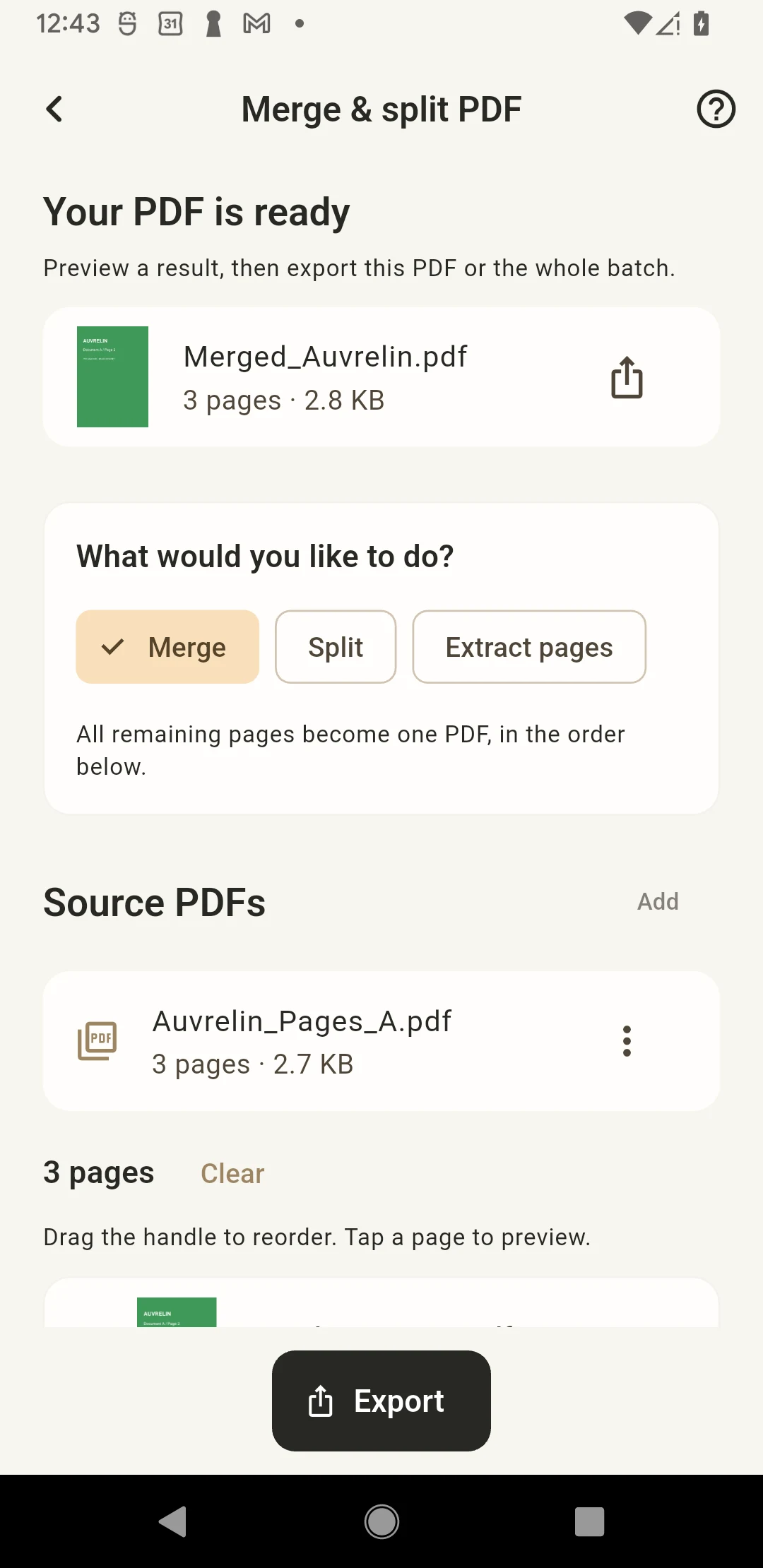
Actual App screen · Chinese / English
Merge & split PDF
Bring PDFs together, separate a document, or keep just the pages you need.
Your originals stay yours.
Results are saved separately. Your original images and documents are not overwritten.
01 — 02 — 03
How it works
- 01
Import PDFs
- 02
What would you like to do?
- 03
Preview a result, then export this PDF or the whole batch.
Good to know
Merge & split PDF
Import PDFs, arrange pages, then merge, split or extract. Ranges use the current page order. Text and graphics stay as PDF content. Interactive forms, signed or password-protected PDFs are not supported. Bookmarks and internal links are not retained. Originals stay unchanged.
Import up to 10 PDFs and 200 pages in total. Each PDF must be at most 60 MB; total at most 120 MB.
Questions, answered
Do I need an account?
The current tools work without an account. Your files and preferences stay on your device.
Are my original files changed?
Results are saved separately. Your original images and documents are not overwritten.
Download
Auvrelin has not launched on the App Store or Google Play yet. Download links will appear here when it is available.
Release status